
CHAPTER 27
Skill Center
Create and verify reusable writing rules and task protocols.
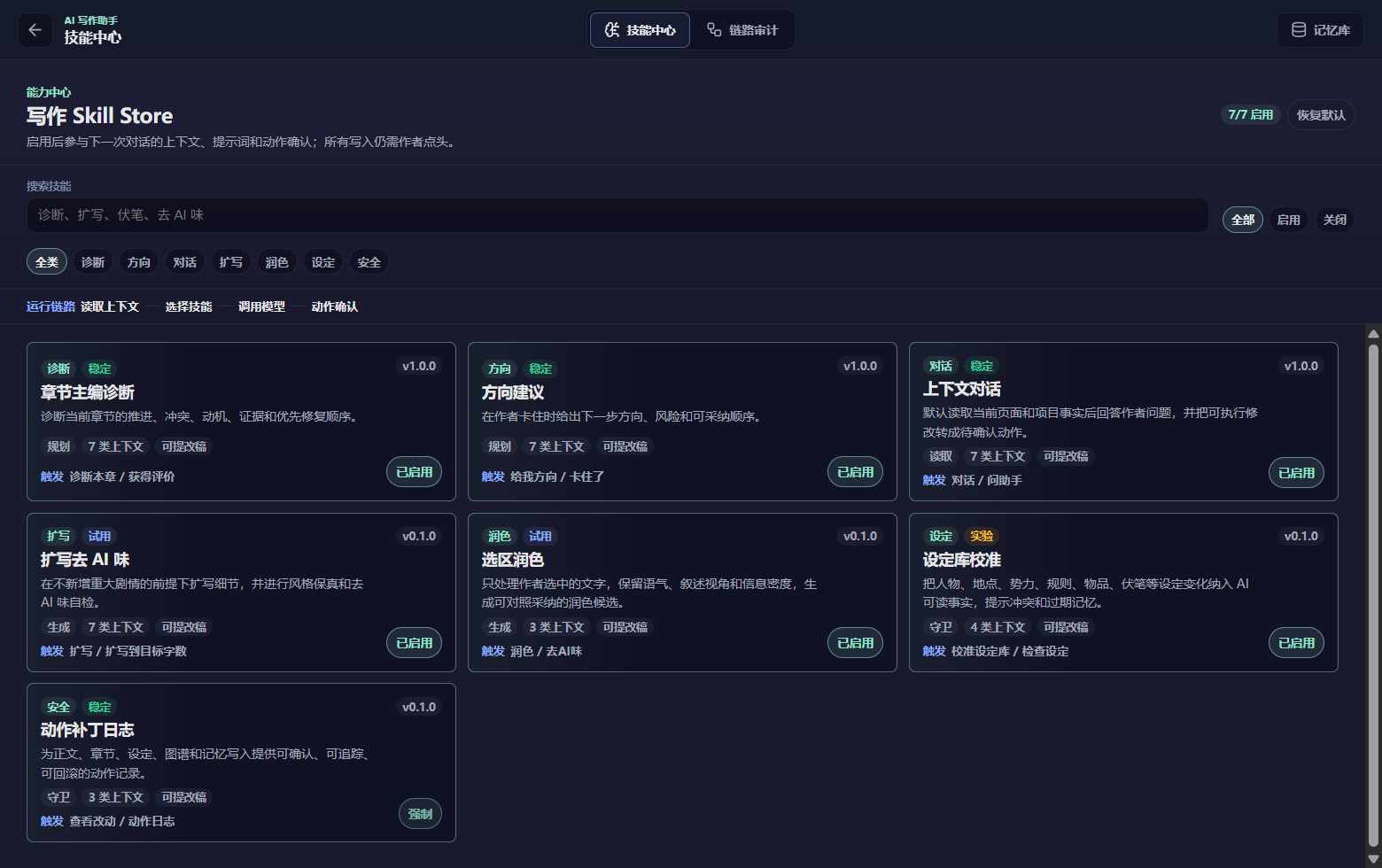
A Skill is a reusable writing rule, genre technique, or task protocol. Search or filter the Skill Center, read the complete text, and check its Agents, stages, priority, and enabled state. Enabled Skills load only when the task, Agent, and stage match; inspect the Skill receipt after a run.
To create one, define its name, purpose, applicable situation, input assumptions, execution rules, output requirements, Agents, and stages. Save, reopen it, then run a matching task and verify actual injection in the receipt. Keep each Skill focused on one problem.
Priority normally runs from safety/data boundaries, current author instructions, confirmed outlines and canon, current workflow, project Skills, to general Skills.
Still need a hand?
Send your version and steps so we can take a look.